
Bluey: Let's Play!
Budge Studios

| Category | Casual |
| Installs | 50,000,000+ |
| Version | 2026.7.0 |
| Updated | Jun 5, 2026 |
About this game
Game Overview
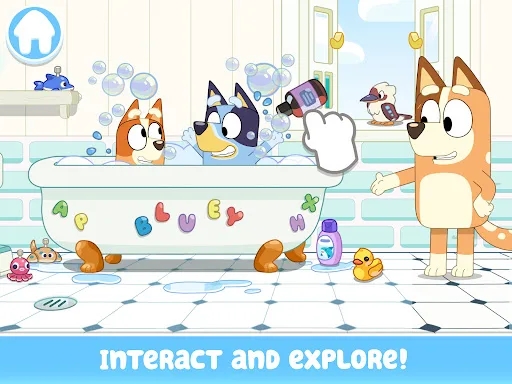
Bluey: Let's Play! is a casual children’s app from Budge Studios that turns the Heeler family home into a digital playset. The loop is simple: explore rooms, tap on objects, trigger small activities, and invent scenes around familiar characters from the show. That structure makes it less about goals and more about open-ended pretend play, with colouring pages added for quieter sessions. The presentation is bright and friendly rather than technically ambitious, which suits its preschool focus. With 50,000,000+ installs on Google Play and a 4.1-star average from more than 224,000 ratings, it is clearly aimed at families who already know the brand. The App Store listing is free, while the description notes that some content sits behind a paid subscription, so the core experience appears to be a sample of a larger package.
Core Gameplay Features
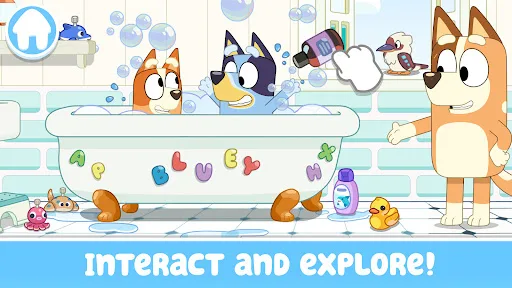
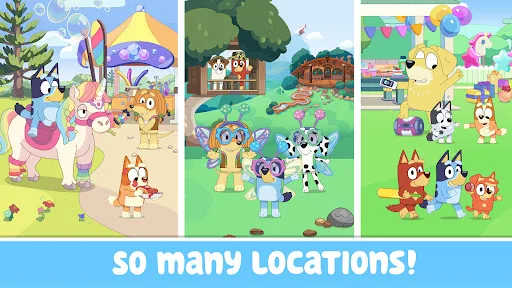
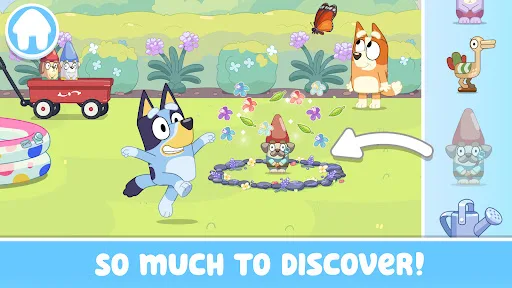
- House Exploration Players move through Bluey’s home and look for hidden surprises, longdogs, and small interactive moments. The appeal lies in discovery, not challenge, so sessions can be brief and self-directed.
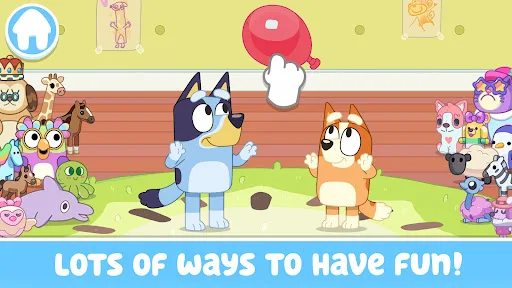
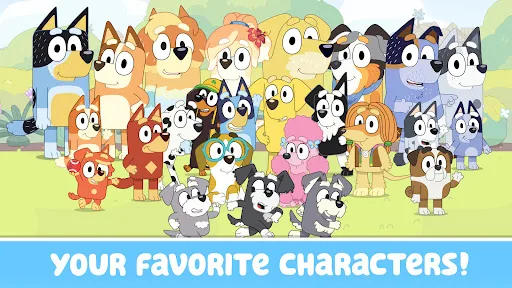
- Pretend Play The app encourages improvised stories with Bluey, Bingo, Bandit, Chilli, and friends. It works like a digital toy box, giving children room to invent scenes rather than follow a fixed route.
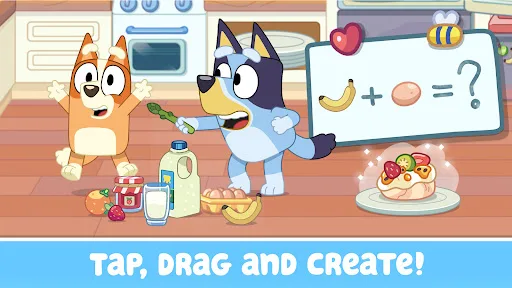
- Tap And Drag Objects respond to simple tapping, dragging, and general interaction. That keeps the interface approachable for younger players and reduces the friction that often comes with tablet games for children.
- Mini Activities The description mentions keepy-uppy, a trampoline, bubbles, a tea party, cooking, and building a pizza oven. These activities add variety, but they remain lightweight and more playful than deep.
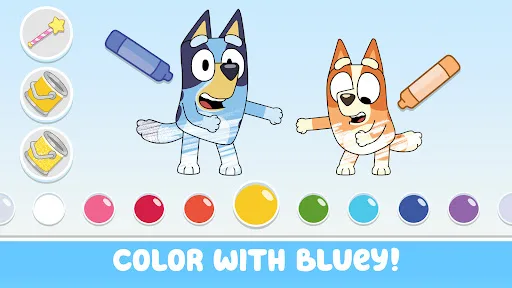
- Colouring Pages Colouring scenes and characters provide a calmer alternative to the exploratory play. This gives the app a quieter rhythm and extends its appeal beyond pure make-believe.
What Makes It Stand Out
Among licensed children’s apps, this one stands out mainly for how closely it mirrors the tone of the TV show. The result is a familiar, family-friendly sandbox that leans on recognition, simple interaction, and a broad age target rather than complexity.
- Strong Brand Recognition Bluey’s TV audience gives the app an immediate point of entry, especially for families already comfortable with the characters and setting. That familiarity reduces the learning curve.
- Large Audience Reach More than 50,000,000 Google Play installs and over 224,000 ratings suggest a wide user base. That volume gives a clearer sense of how the app performs than a small review sample would.
- Family-Friendly Scope PEGI 3 on Android and 4+ on iPhone/iPad signal a very young audience. The content is framed as safe, calm play for toddlers, preschoolers, and early primary-age children.
Things to Know Before Playing
The main caveats are practical rather than alarming. This is a children’s app with subscription-gated content, so the free download may not include everything. Platform details also matter, especially for storage on iPhone and iPad.
- Subscription Access The description says some app content requires a paid subscription. The free listing should be treated as partial access, with extra spending likely if the full set of activities is needed.
- iOS Storage Space The App Store lists the app at about 175 MB, so extra free space for updates is sensible. A little headroom helps avoid failed installs and patch issues on iPhone or iPad.
- Young Child Focus The age ratings suggest it is aimed squarely at small children, not older players looking for depth. Adults may need to handle setup, subscriptions, and parental controls.
You may like
Candy Crush Saga
King
My Talking Tom
Outfit7 Limited

Pou
Zakeh

My Talking Tom 2: Pet Game
Outfit7 Limited

Homescapes
Playrix
Gardenscapes
Playrix
Township
Playrix

Minion Rush: Running Game
Gameloft SE

Candy Crush Soda Saga
King
My Talking Tom Friends
Outfit7 Limited
My Talking Angela 2
Outfit7 Limited
Hay Day
Supercell
Coin Master
Moon Active
Farm Heroes Saga
King
Angry Birds 2
Rovio Entertainment Oy