

CapCut: Photo & Video Editor
Bytedance Pte. Ltd.

| Category | Video Players & Editors |
| Installs | 1,000,000,000+ |
| Version | 19.1.0 |
| Updated | Aug 21, 2026 |
About this app
App Overview
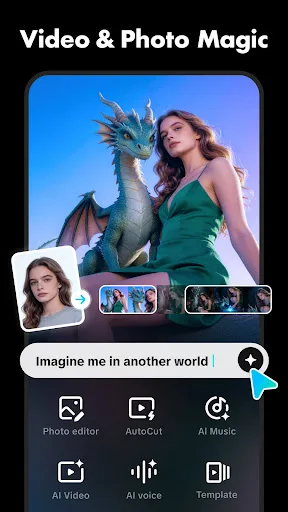
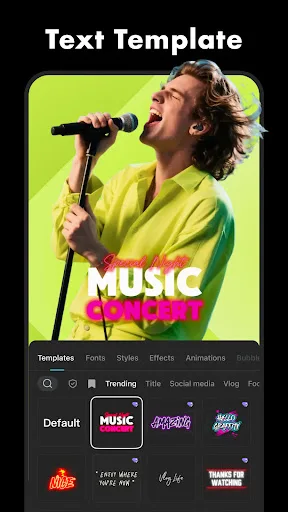
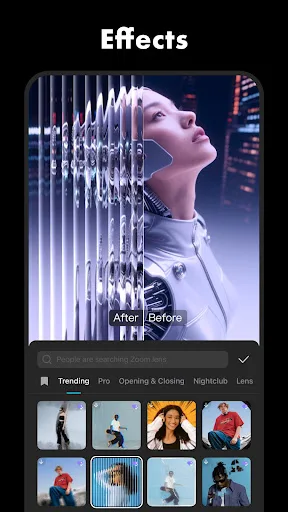
CapCut is a mobile video editor for Android and iPhone, built by Bytedance Pte. Ltd. and placed in the Video Players & Editors category. In practice, it is used to trim clips, combine footage, add text, apply effects, and prepare short-form edits for social platforms. The layout is built around a timeline and toolset rather than a simple one-tap template flow, so it can handle quick cuts as well as more deliberate edits. The official description points to both basic and advanced tools, which makes it feel broader than a lightweight social editor. With over 1,000,000,000 installs on Google Play and more than 12.9 million ratings, it is clearly a mature product, though its 3.6-star average suggests a mixed reception rather than universal approval.
Core App Features
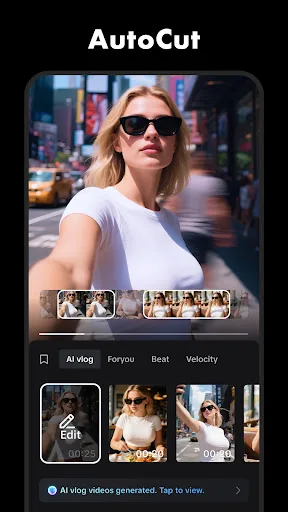
- Basic Clip Editing The app supports trimming, splitting, merging, and speed changes from very slow to very fast. That covers the routine work of shaping footage before any visual polish is added.
- Timeline Workflow Clips can be arranged and previewed on a multi-track timeline. That structure gives more control over sequencing, overlays, and timing than a single-feed editor.
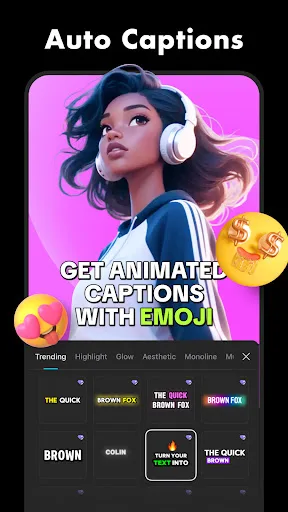
- Auto Captions Speech recognition can generate subtitles automatically. For short social videos, that reduces manual captioning and makes spoken content easier to publish quickly.
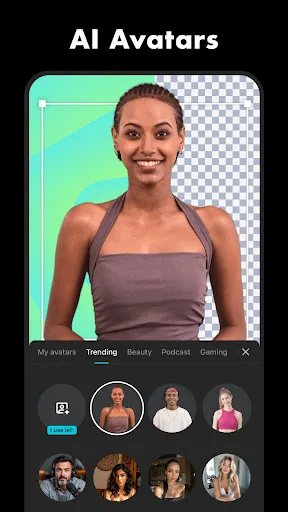
- Background Removal The app can remove backgrounds automatically and also offers chroma key support. Those tools help isolate subjects without needing separate desktop software.
- Export Controls Finished videos can be exported in custom resolutions, with support for HD, 4K 60fps, and smart HDR. That matters for creators who care about playback quality on larger screens.
What Makes It Stand Out
CapCut stands out less because it is unusual and more because it packs a wide editing range into a phone-first format. The scale of its install base and rating volume also suggest a long-running app with broad real-world usage.
- Large User Base More than 1,000,000,000 Google Play installs indicates a very widely used editor. That usually means abundant community familiarity and a workflow many creators already recognise.
- Broad Platform Coverage It is available on both Android and iPhone in the UK stores. That makes it practical for mixed-device households and teams that do not all use the same platform.
- Frequent Feature Updates The description mentions weekly filter updates, and the listed version is 19.1.0 on both stores. That suggests an actively maintained app with regularly refreshed effects.
Things to Know Before Installing
The main tradeoffs are typical of a feature-heavy free editor. The app is free to download, but the description hints at a broad feature set and social sharing focus, so privacy, account use, and ongoing updates are worth checking before committing to a long edit workflow.
- Mixed Rating Profile The 3.6-star average across more than 12.9 million ratings points to a divided user base. That usually means the app works well for many people, but not consistently enough to satisfy everyone.
- Large Storage Need The iPhone listing shows a size of 804,900,864 bytes, which is substantial for a mobile app. Extra free space is wise for updates, cache, and saved projects.
- Parental Guidance Google Play rates it Parental guidance and the App Store lists 12+. That makes store-level parental controls relevant in homes where younger children use the device.