
Google Photos
Google LLC

| Category | Photography |
| Installs | 10,000,000,000+ |
| Version | VARY |
| Updated | Aug 21, 2026 |
About this app
App Overview
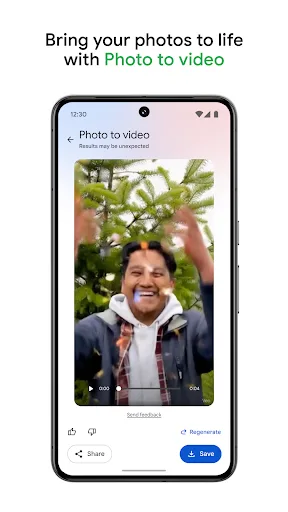
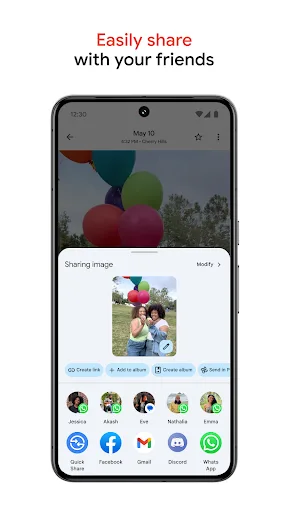
Google Photos is a photography app built around cloud backup, library management, and light editing for Android and iPhone users in the UK. It comes from Google LLC and sits in the same ecosystem as Gmail and Drive, which matters because storage is tied to a Google account rather than the app alone. The interface centres on a photo grid with search, albums, and tools for sorting and sharing, so it works as both a daily gallery replacement and an occasional archive for older images. Its strongest appeal is breadth: automatic backup, AI-assisted search, and basic editing sit together in one place. That also makes it familiar rather than experimental, with little friction for anyone already living in Google services.
Core App Features
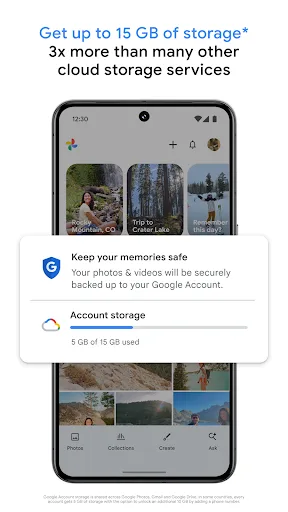
- Cloud Backup Photos and videos can be stored in Google’s cloud with backup enabled, which helps protect a library across devices and makes it easier to move content from other galleries.
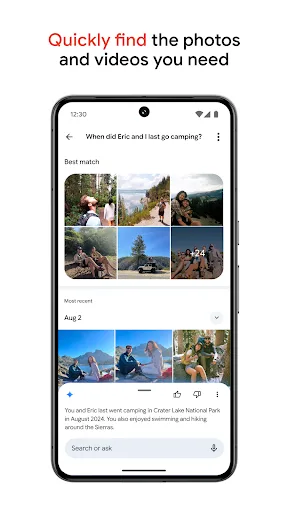
- Search By Content Search works with natural descriptions, so the library can be found by people, places, and scenes rather than only by filenames or dates.
- Automatic Organisation The app groups duplicates and similar images into stacks and offers folders for screenshots, documents, custom albums, and camera roll organisation.
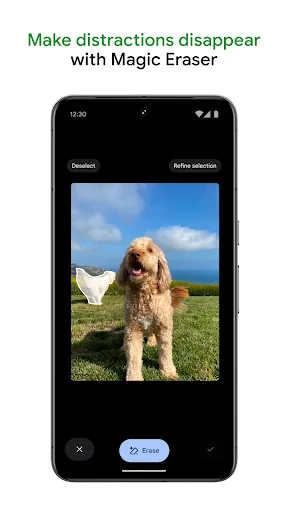
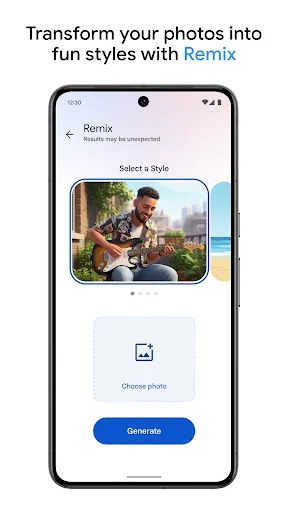
- AI Editing Tools Built-in tools include Magic Eraser, Unblur, and Portrait Light, giving the app quick repair and enhancement options without a separate editor.
- Locked Folder Sensitive photos and videos can be kept in a locked folder protected by the device screen lock, which adds a practical privacy layer for shared phones.
What Makes It Stand Out
Google Photos stands out less for novelty than for how much it covers in one place. The combination of cloud storage, search, and sharing is broad, and the huge install base suggests a mature service with a well-established workflow.
- Huge Install Base The Android listing shows 10,000,000,000+ installs, which signals a very mature product with a long track record and broad real-world use.
- Cross-Platform Reach It is available on both Google Play and the UK App Store, so the same library can be used on Android phones and iPhones.
- Strong Rating Volume A 4.24 average from more than 53.8 million ratings suggests a large audience with broadly positive but not flawless experiences.
Things to Know Before Installing
The main trade-offs are storage, account dependence, and the way Google’s ecosystem shapes the experience. The app is free, but cloud backup sits alongside Google account storage limits, and the privacy policy is worth reading before uploading personal images.
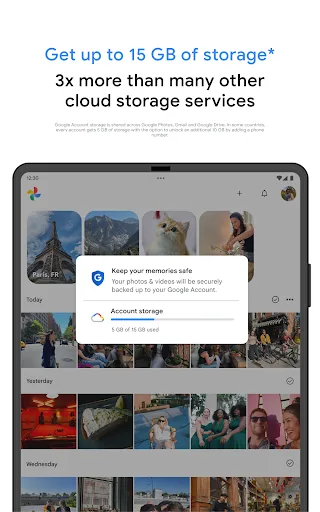
- Account And Storage The description ties storage to a Google account and notes shared space across Photos, Gmail, and Drive, so backup capacity is not unlimited.
- Large iPhone Download The App Store version is 448 MB, so some free space is needed for installation, updates, cache, and locally stored images.
- Age Rating The app is rated PEGI 3 on Google Play and 4+ on the App Store, which keeps it suitable for families but still worth pairing with device-level parental controls if needed.