Gmail
Google LLC

| Category | Communication |
| Installs | 10,000,000,000+ |
| Version | VARY |
| Updated | Aug 20, 2026 |
About this app
App Overview
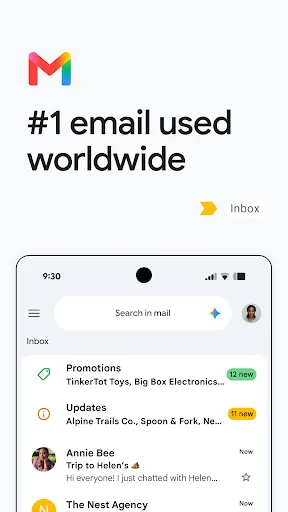
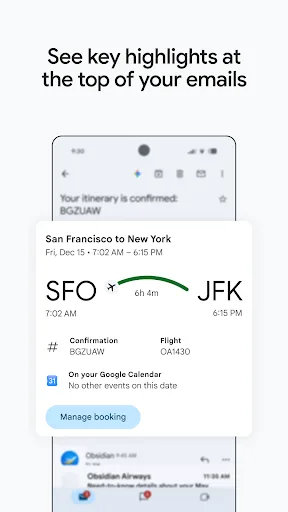
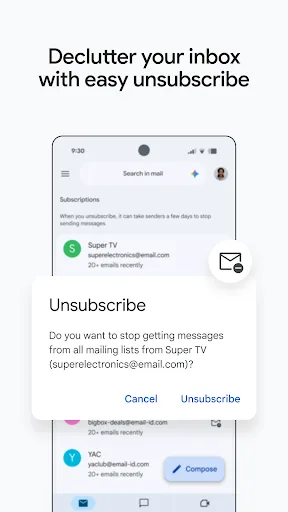
Gmail is Google LLC’s email client for Android and iPhone, with a Communication category that reflects its role as a daily inbox rather than a niche messaging tool. The app is built around a familiar mailbox layout, but the official description points to a few extras that shape the workflow: multiple account support, summary cards, strong search, and AI-assisted writing and organisation features. In practice, that makes it most useful as a constant companion for people who live in email all day, while still being straightforward enough for occasional checking. Its scale is hard to miss too, with more than 10 billion installs on Google Play and over 14.4 million ratings there, although the average score of 3.7 suggests a mixed reception rather than universal approval. Google’s Workspace tie-in also gives it a more enterprise-leaning edge than many consumer mail apps.
Core App Features
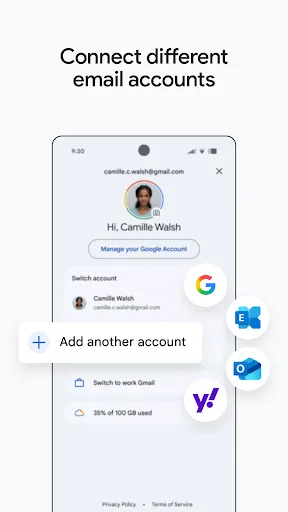
- Multiple Accounts The app can switch between accounts from different email providers, which reduces the need to juggle separate mail clients for personal and work use.
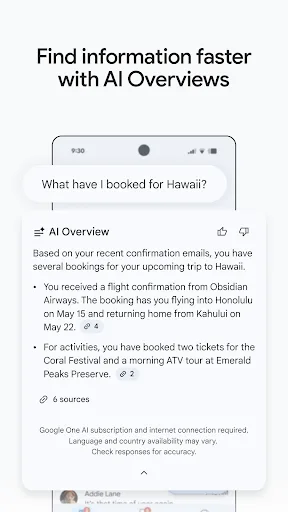
- Inbox Search Search is a central part of the experience, with keyword lookup and Gemini-assisted queries mentioned in the listing for finding messages or details faster.
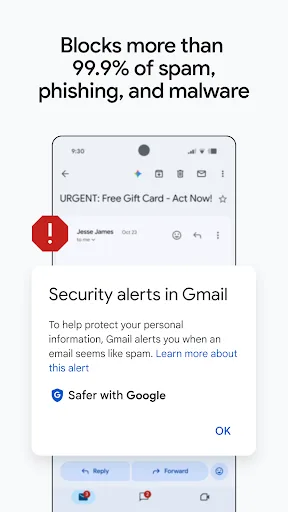
- Spam Protection Google says the app blocks more than 99.9% of spam, phishing, and malware before they reach the inbox, which is a major practical benefit for heavy email users.
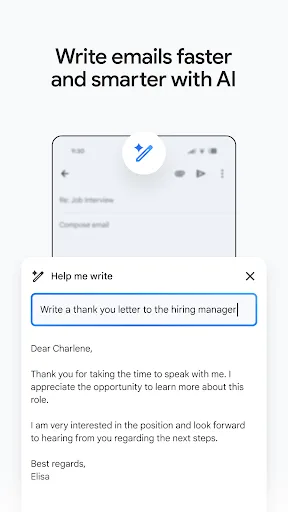
- AI Writing Help The listing highlights AI-assisted drafting and Smart Reply, giving the app a faster way to answer routine mail without leaving the inbox.
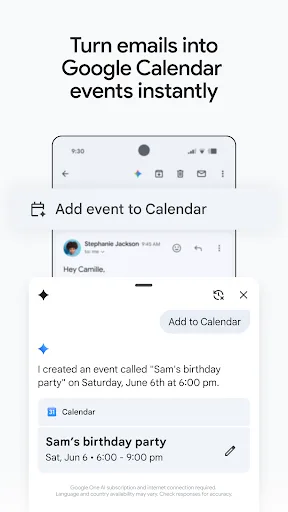
- Workspace Links With Google Workspace, Gmail connects to Meet, Chat, Calendar, and Tasks, so email threads can lead into scheduling or collaboration without switching apps.
What Makes It Stand Out
Gmail stands out less for novelty than for reach and depth. It is one of the most established email apps on mobile, and its feature set shows Google trying to make inbox management faster while keeping the product tied to the wider Workspace stack.
- Huge Install Base More than 10 billion Google Play installs and over 14 million ratings indicate a mature app with a very large real-world audience, even if opinions are not uniformly positive.
- Cross-Platform Support Availability on both Android and iOS makes it a practical default for households or workplaces that mix phone types, with no platform lock-in on mobile.
- Recent Updates The App Store listing shows a 2026 update and version 6.0.260810, which suggests active maintenance rather than a stagnant legacy client.
Things to Know Before Installing
The main tradeoffs are familiar ones for a free Google app: account dependence, cloud-connected features, and AI extras that may not be available to everyone. The app is also broad enough that some users will want to weigh privacy and storage before settling in.
- AI Plan Limits Several Gemini features require a Google AI Pro or Ultra plan and an internet connection, so the most advanced tools are not part of the basic free experience.
- Account-Focused Setup The app is built around Google and other email accounts, so first use is tied to sign-in rather than anonymous browsing. That is normal for email, but it adds friction.
- Storage Planning The iPhone build is about 771 MB, so leaving extra free space for updates, cache, and downloaded mail is sensible. The Play Store size is not listed.