
Google Translate
Google LLC

| Category | Tools |
| Installs | 1,000,000,000+ |
| Version | VARY |
| Updated | Aug 24, 2026 |
About this app
App Overview
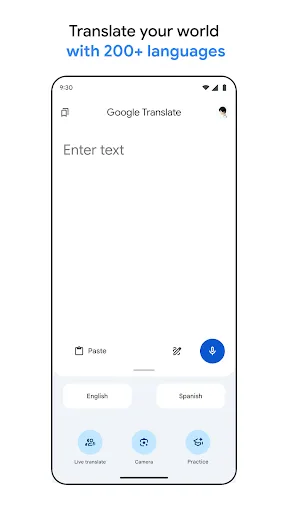
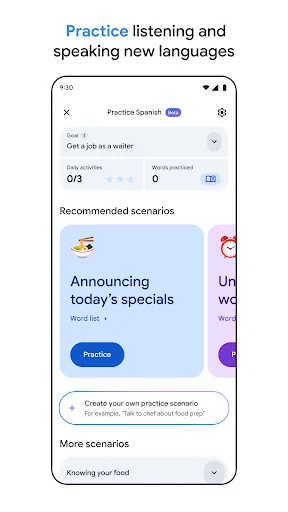
Google Translate is a free Tools app from Google LLC that focuses on quick language conversion rather than long-form study or document work. In practice, it is built around a few everyday tasks: typing text, translating signs through the camera, handling spoken exchanges, and saving useful phrases for later. The interface is organised around these modes, so the app feels like a utility panel rather than a content feed. That makes it useful for short, repeated sessions during travel, work, or messaging, with occasional longer use when offline language packs or phrasebook entries are being set up. The scale is substantial too: more than 1,000,000,000 Android installs and over 9 million ratings point to a mature product with broad reach. It is conventional in structure, but unusually broad in coverage for a translation tool.
Core App Features
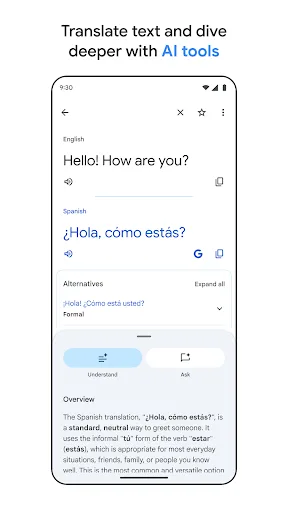
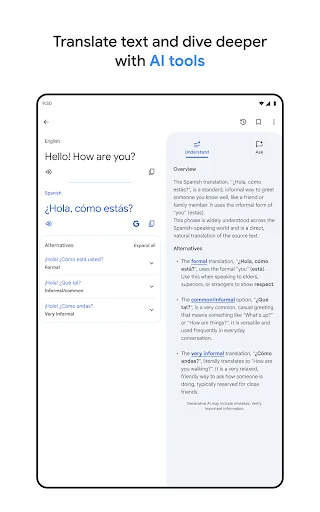
- Text Translation Typing text is the core workflow, with support for translation between 108 languages. It suits short messages, signs, and quick checks where speed matters more than formatting.
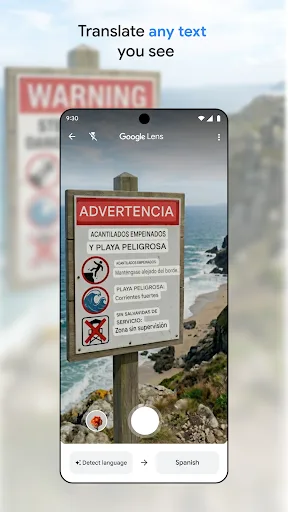
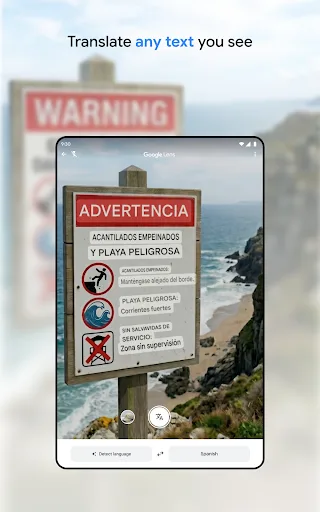
- Camera Translation The camera mode translates text in images by pointing the lens at it. Google says it covers 94 languages, which makes it practical for menus, notices, and printed labels.
- Offline Packs Offline translation works without an internet connection for 59 languages. That reduces dependence on roaming data and keeps the app useful in weak-signal settings.
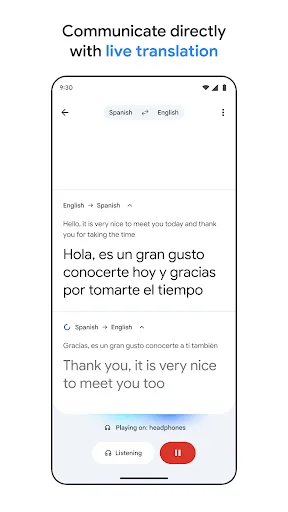
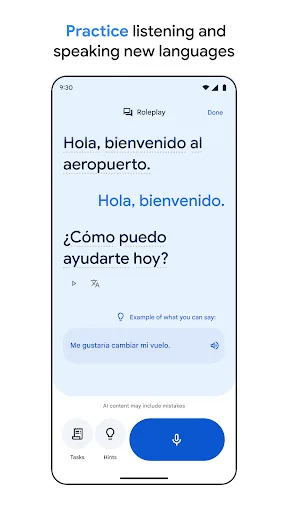
- Voice Conversations Conversation mode handles bilingual speech on the fly across 70 languages. It is aimed at back-and-forth exchanges rather than polished transcription or meeting notes.
- Phrasebook Sync Saved words and phrases can be starred for later reference, and the description says sign-in enables syncing between mobile and desktop. That helps recurring vocabulary stay available across devices.
What Makes It Stand Out
The app stands out less for novelty than for breadth and maturity. It covers more translation scenarios than many rivals, and the install volume suggests it has been refined through very wide use on Android and iPhone.
- Wide Language Coverage Support for 108 typed languages, plus narrower camera, photo, and speech ranges, gives it a reach that covers everyday travel and many practical work situations.
- Large User Base More than 1,000,000,000 Android installs and over 9 million ratings suggest a heavily used app with a long track record, not a niche utility.
- Cross-Device Sync Phrasebook syncing tied to login makes it more useful for repeat users who move between phone and desktop and want saved terms to follow them.
Things to Know Before Installing
The main trade-offs are practical rather than severe. The app is free, but it asks for optional access to the microphone, camera, external storage, and contacts depending on which features are used. That mix is normal for translation, though it means privacy-conscious users should review permissions carefully.
- Permission Footprint Microphone and camera access are tied to speech and image translation, while external storage supports offline language downloads. Contacts may also be requested for account setup and management.
- Storage Planning The iPhone version is 305.7 MB, so some free space is worth keeping aside for the app, updates, and downloaded language data. Android size is not listed.
- Mixed Ratings Signal A 4.2 average from more than 9 million ratings is solid, but not spotless. That suggests a broadly dependable app with some recurring complaints, likely around edge cases rather than the core translation tools.