

Picsart AI Photo Editor, Video
PicsArt, Inc.

| Category | Photography |
| Installs | 1,000,000,000+ |
| Version | 30.5.5 |
| Updated | Aug 21, 2026 |
About this app
App Overview
Picsart AI Photo Editor, Video is a Photography app that combines image editing, short-form video tools, collage making, sticker design, and AI generation in one large workspace. Built by PicsArt, Inc., it is aimed at people who regularly post to social feeds, but it also covers casual touch-ups such as background removal, object cleanup, and basic retouching. The workflow is broad rather than specialist: users move between photo tools, video tools, collage templates, and drawing features instead of staying inside a single task. That makes it feel more like a creative suite than a narrow editor. On mobile, the experience is built around many feature areas rather than a minimal canvas, so sessions can be quick for one-off edits or longer when assembling a collage, story, or stylised set of posts. Its scale is clear from the install count and the very large review volume, although the average rating suggests mixed satisfaction rather than universal approval.
Core App Features
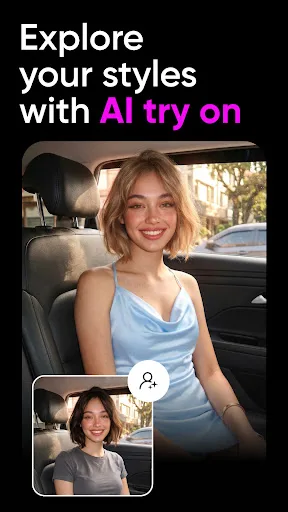
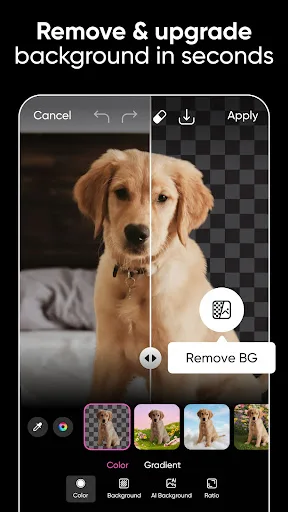
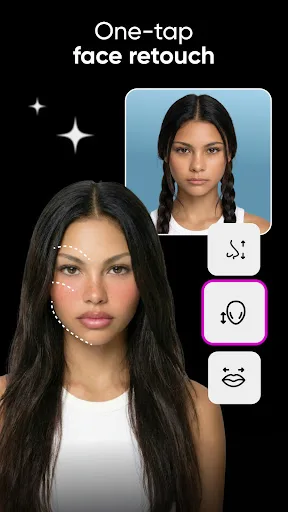
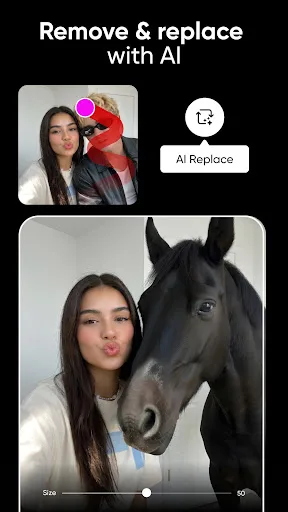
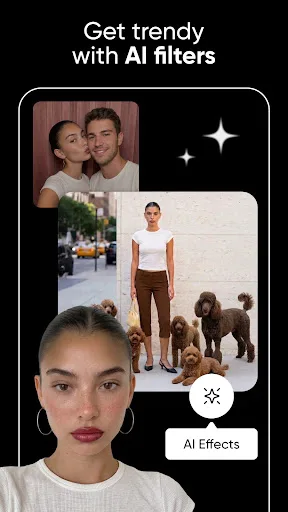
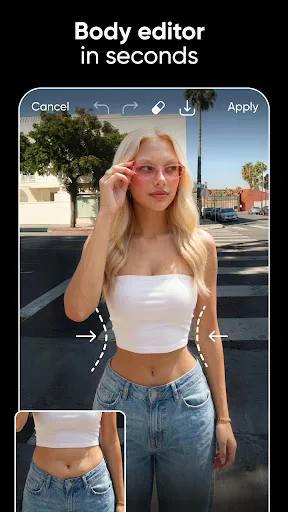
- Photo Editing Tools Users can apply filters, crop and flip images, remove objects, erase or replace backgrounds, and retouch selfies. These are the core day-to-day tools for fixing or reworking a picture.
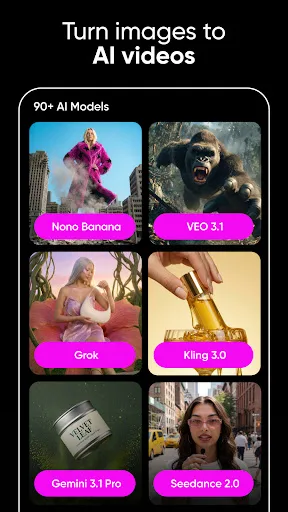
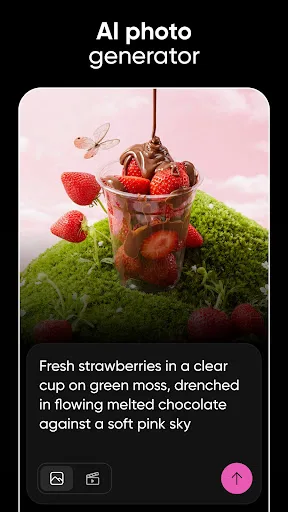
- AI Image Tools The app can generate images from text, upscale and denoise low-quality photos, and create AI avatars. These features make it more than a basic editor, though they are not the only reason to install it.
- Video Editing A built-in video editor handles trimming, cropping, music, glitch effects, and video merging. That gives the app a broader role for social clips and story-sized edits.
- Collage And Templates It includes collage layouts, scrapbook-style arrangements, frames, meme creation, and story templates. These tools suit users who want a finished post quickly rather than building every element from scratch.
- Drawing And Stickers The drawing tool supports brushes and layers, while the sticker library is large and includes custom sticker creation. This adds a more playful, design-led side to the editor.
What Makes It Stand Out
Picsart stands out less for one perfect feature than for the amount of creative ground it covers. The app is built for people who want editing, templates, stickers, and AI tools in a single place, even if that breadth comes with some complexity.
- Broad Creative Scope Few mobile editors combine photo cleanup, AI generation, collage building, and video work this openly. That breadth helps when a project moves from one format to another.
- Large User Base The Play Store listing shows 1,000,000,000+ installs and more than 12 million ratings. That scale suggests a mature app with a long public track record.
- Recent Updates Both stores show very recent version updates in August 2026. Frequent maintenance matters for an app that depends on effects, templates, and AI features changing over time.
Things to Know Before Installing
The main trade-offs are typical for a large creative app: a heavy feature set, subscription pressure, and permissions that may involve photos and video. The free version exists, but the store description also points clearly to a Gold subscription and ad-free access.
- Subscription Pressure Picsart Gold is described as unlocking exclusive content and an ad-free editing experience. The free tier may cover basic use, but some attractive features are likely behind paid access.
- Mixed Ratings The average rating is about 3.75 from over 12 million reviews. That is a large sample, but it also signals uneven satisfaction, so the app may feel better to some workflows than others.
- Content And Age Limits Google Play lists parental guidance, while the App Store rates it 12+. That makes device-level parental controls worth checking on family-shared phones and tablets.